



Spinogambino Mobile App
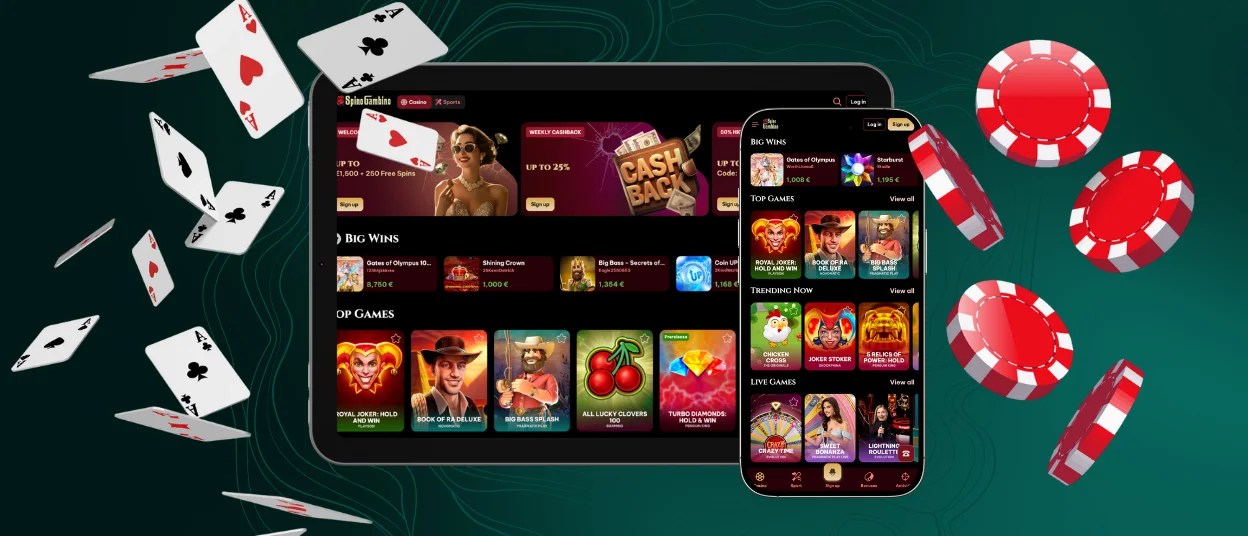
The Spinogambino app has everything for registered players to enjoy their sessions, including a complete catalog of our casino games with multiple betting options. We engineered it specifically for your mobile devices so you can manage your account and large live dealer rooms with no problems on the way. If you use our application, you can maintain continuous access to all of our active Spino Gambino Casino tournaments and not be tied to a stationary computer setup.



Using Spino Gambino on Mobile
When you want to transition from a personal computer to see the mobile layout, there are several distinct operational advantages that you can see together with a few minor physical trade-offs. Let us take a look at the benefits and little irritations:
- The primary benefit of playing on your mobile phone is complete portability.
- You can enjoy features unique to handheld devices with a touchscreen. For example, gesture control, biometric login options and facial recognition.
- Your smartphone interface can load games and our Spinogambino Casino assets much faster.
- Spinogambino app consumes less battery than the standard desktop.
- You will find the verification process very comfortable in mobile format, especially when it comes to uploading your documents to a portal.
- You never encounter intricate table game layout problems.
Now let us walk you through notable drawbacks.
- Not every player likes to have a reduced screen size.
- Your multi-reel Spino Gambino video slots can feel too compact compared to a large PC monitor that you got used to.
All in all, in our modern world, it is always a good idea to have your mobile casino available on a smartphone, as you never know when you want to play your live casino games.
Android App
Android users always prefer to download our dedicated native Spinogambino app that works perfectly with the Android operating system. We created this as a PWA version to maximize hardware performance. You can see that it results in smoother animations and faster rendering of the most advanced graphical characteristics that are very noticeable in online slots. You can run our application as an independent icon on your device for a stable session every time you open it and want to play and enjoy your gaming experience.
PWA
Let us explain to you in more detail what a progressive web app is that we keep talking about. It is a standalone solution we use at Spinogambino Casino that operates very well across iOS and Android platforms.
This way, our players can add a functional shortcut icon directly to their mobile home screen, and there’s no need to undergo any lengthy installation processes or search for anything in app stores. We mirror the full capacities of the desktop because of the perfect synchronization. You can launch it instantly in your browser window to save yourself time and internal storage space.
APK
We strongly recommend you not search for Spinogambino APK files anywhere because we got rid of all app stores in favor of the PWA version. So you can always use our official casino app for a secure and downloadable icon. All you need to do is click the dedicated banner from our home page, or if you are an Apple user, just save the icon straight from your Safari browser.
iOS App
If you’re the owner of Apple products, you can enjoy the full mobile experience of Spino Gambino online casino, which has all characteristics specifically made for the iOS ecosystem. We optimized it for your tablet and iPhone, and this Spinogambino app version delivers great visual rendering.
There is a perfect swipe navigation with no lag, and we comply with all strict data security requirements that are requested by Apple software standards. You can also utilize built-in iOS security and incorporate Face ID for one-touch account login.

Spinogambino Desktop App for Windows and macOS
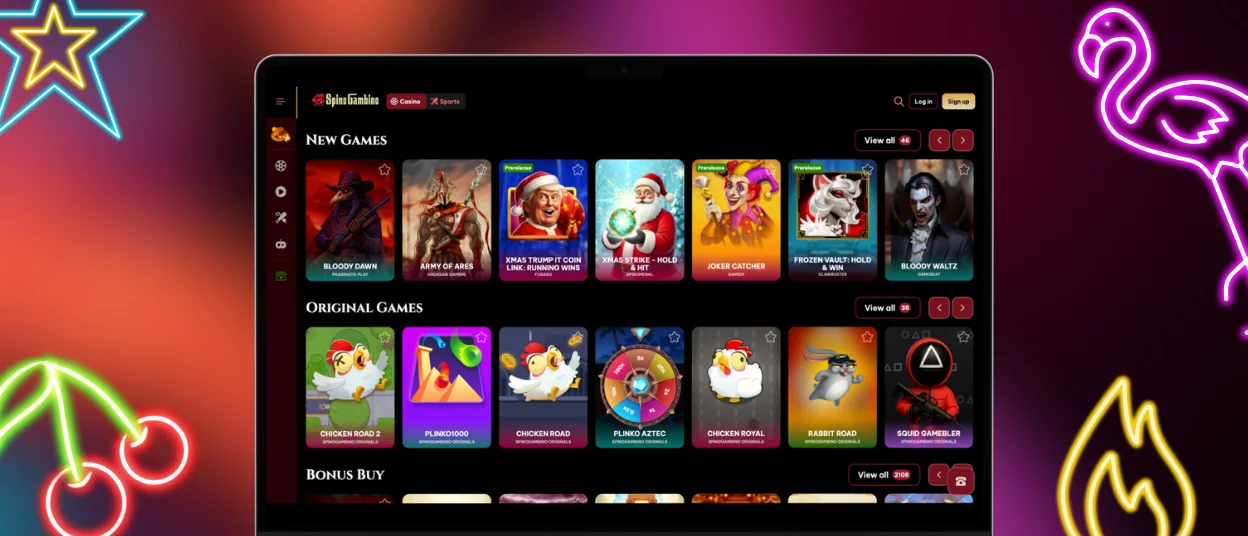
We know many of our Spinogambino Casino users like to play on larger screens, but not many like to use the standard web browser. That is why we have a dedicated desktop solution for Windows and macOS. This is a small downloadable client icon, and you can run it as a standalone program.
There’s no need to have browser-related lag or reduce RAM usage. You can enjoy a stable connection directly to the Spino Gambino Casino server.
To help you as a beginner choose your best way to play on a computer, we created a quick comparison table for the desktop Spinogambino app and a standard web browser:
| Feature | Desktop App | Web Browser (Chrome, Safari, etc.) |
|---|---|---|
| Speed | Faster! Game assets are cached locally. | Usual. It relies on real-time web page loading. |
| Connection | High—no common browser crashes. | Sometimes you can see page refreshes or other weird interference. |
| Resource Usage | Low and good to use less computer RAM. | Many open tabs can slow down gameplay. |
| Availability | Launch instantly from your desktop icon. | Needs navigation to the URL and login. |
Now it is more visual for you to make a great choice about where to run your Spinogambino Casino games. If you still cannot make your choice, you can just click the live chat button and write to our support team—we will always help you set everything up.
FAQ
Do I need an account to use the Spinogambino app?
You can open the Spinogambino app and browse our catalog to test some virtual slot games without signing up. However, if you wish to wager real money and join tournaments, then it is mandatory to create your own account. It is a step that you cannot bypass but one that will bring you the best benefits ever.
Are app permissions required for core functionality?
Spino Gambino Casino does not require any intrusive device permissions. We can run all gaming features just as such, but you need to register your account and make a deposit to play the entire catalog of our wonderful games. For the best user experience, our app can request optional permissions, like to send you push notifications so you can know about newly launched tournaments. And you can enable optional biometric access if you do not want to constantly type your login.
Is the bonus section available on mobile?
Of course, our mobile Spinogambino app has the complete promotions menu. Everything is included, and you can find out all the information about the welcome package. If you still have time to use up your free spins and bonus euros, you can read all about your missions and reload bonuses and check the wager terms and activation steps just like you normally do in the desktop version.


